
Event photo sharing
Guests upload from their own phones, with no app and no signup.Just scan, and start.
See it from the guest's phone
Four taps, one continuous moment, from joining the event to appearing on the big screen.
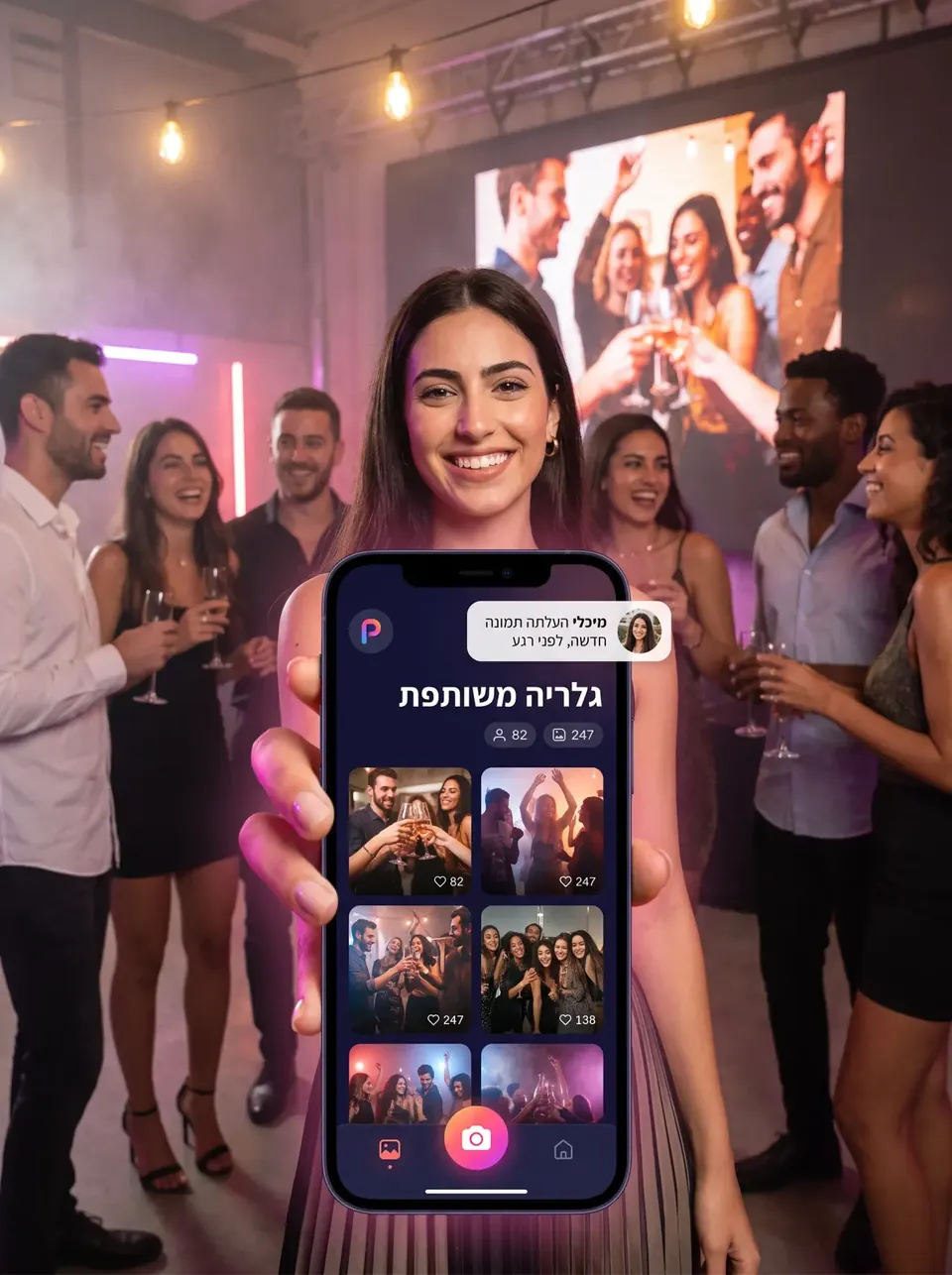
Tap a step to see it on the screen
The guest opens the link, with no app and no signup.

Live on the big screen
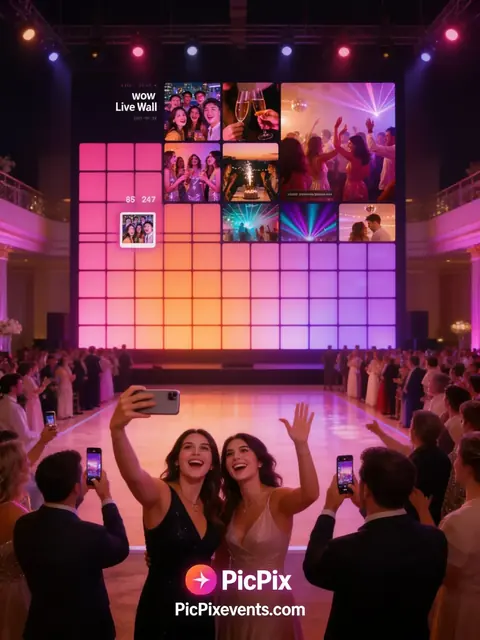
Uploaded photos can display live on a projector or TV at the event. A simple, illustrative preview.
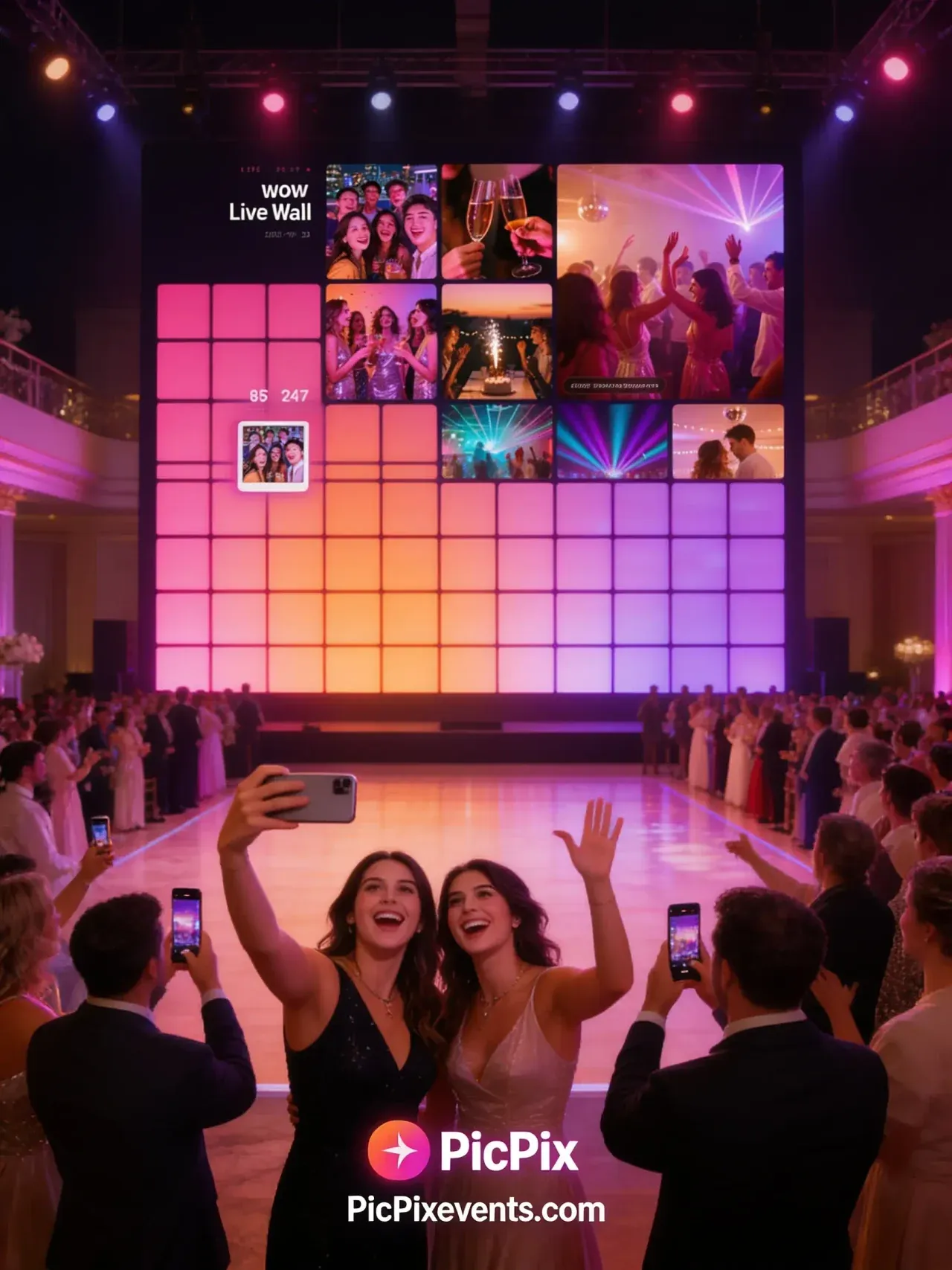
Illustrative preview. This is how your event's live wall will look.
How it works
Set up your event and share the guest link.
Guests upload photos straight from their phones.
Photos are sent to the venue's big screens in real time.
An authentic photo gallery, created by your guests.
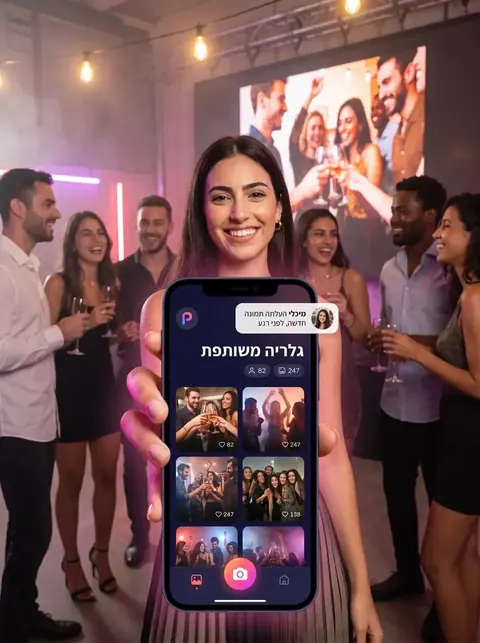
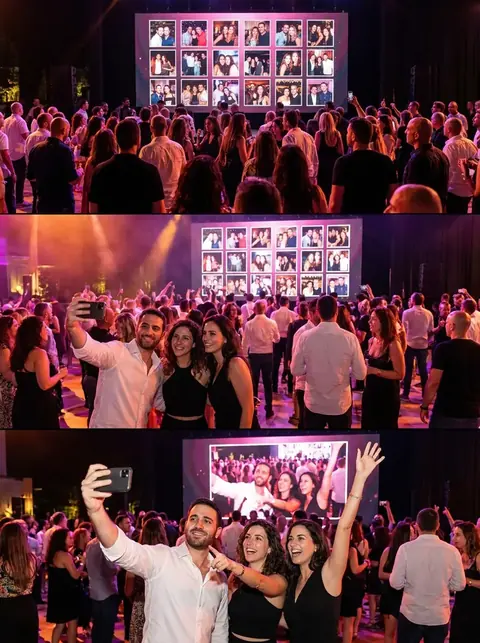
This could be your event too
 Photo
 Photo
 Photo
 PhotoPhotoPhotoPhotoPhoto
Everything you need for the event's live moments
Your guests aren't just watching. Capturing, editing, and sharing is the experience itself.
Direct browser capture
Guests shoot straight from their phone's browser, with nothing to install.
Filters, stickers & text
Quick edits before sharing: filters, effects and stickers on every photo.
A shared gallery, live
Every shared photo appears instantly in the event gallery for everyone.
Big-screen live wall
Connect a projector and photos land on the big screen the moment they're shared.
Built-in AI that guards the content
AI technology checks each photo behind the scenes before it reaches the gallery and the screen, and you control the screening level.
Join from anywhere
Guests who can't make it to the celebration can join from afar and be part of the event in real time.
A look that fits your event
Ready-made moods, each with its own colours and type, on your guests' phones and on the big screen. Tap one to see how it looks.
Packages
In every package: built-in AI technology that checks each photo behind the scenes before it reaches the screen and the gallery. No extra cost, and you choose the screening level. Every package needs a stable internet connection at the venue.
Party package
₪99
Up to 200 photos
- Unlimited guests
- Album online for 30 days
- Uploads: 24 hours
Recommended
Celebration package
₪299
Up to 700 photos
- Unlimited guests
- Album online for 30 days
- Uploads: 24 hours
Hafla package
₪499
Up to 1,500 photos
- Unlimited guests
- Album online for 30 days
- Uploads: 24 hours
Premium package
₪890
Up to 10,000 photos
- Unlimited guests
- Album online for 30 days
- Uploads: 24 hours
We count photos, not gigabytes.
Included in every package
- A live photo wall for the projector or TV
- Built-in AI that checks every photo before it is shown
- A shared gallery for the guests
- Download the whole album as one ZIP file
- A QR code for the tables, ready to print
- No app to install, for you or the guests
Need a projection kit?We are waiting for you on WhatsApp.
Questions
Do guests need to install an app?
No, guests upload directly from their phone's browser.
How long are photos available?
Each package states its own retention period above.
Can I still ask a question?
Yes, message us on WhatsApp with the button below and we'll get back to you.
Do I need an app to manage the event?
No, event management runs from a web page you open on any browser, on your phone or computer.
What happens with inappropriate photos?
The organizer can review and moderate photos before they're shown, and there's an option for automatic content screening.
Is this accessible to guests with disabilities?
Yes, the guest experience includes accessibility features and a published accessibility statement.
What languages are supported?
Hebrew and English are fully supported today, with more languages on the way.
What do I need to show photos on the big screen?
A laptop, or any device with a browser, connected to a projector or TV, plus an internet connection. Open the screen link you received and the photos appear and rotate on their own.
How do guests join the event?
They scan a QR code or open a link, with no signup. You get a link to share in the group chat and a print-ready QR page for the entrance or the tables.
Can we download all the photos after the event?
Yes. The event host can allow the whole album to be downloaded as a single ZIP file, and every guest can save the photos they shared to their own device.
Until when can guests upload photos?
Uploads open when the event starts and close automatically afterwards. You can close them earlier from the admin area, and the gallery stays available for viewing after they close.
Can a guest remove a photo?
Yes. Every guest can remove a photo they shared themselves, and ask the event host to remove another one. The host can delete any photo at any time.
What do I get after booking?
Three links sent to you by email: a guest link, a big-screen link and a personal link for managing the event. The admin link stays with you only.
Can we match the event to our own style?
Yes. Pick a color theme, add a cover image and a welcome message, and set the event language. You can also update the details after booking, from the admin area.
What is the cancellation policy?
A cancellation notice is given in writing, and the refund depends on when it is given relative to the event date. More than 14 days before the event: a full refund. From 14 to 7 days before the event: a full refund less the statutory cancellation fee. From 7 days to 24 hours before the event: half the price. Less than 24 hours before the event, or after it has started: no refund. The full, binding wording is in the terms.